
 GBP £
GBP £
 USD $
USD $
 CAD $
CAD $
Suitable for varied learning styles
Reading, images, audio, reflection and hands-on practice - every course mixes approaches so there is a way in for everyone.
ACCESSIBILITY
Our courses are designed to be genuinely enjoyable to take - whatever your learning style, your reading preferences or the device you are using. You can personalise how each course looks and sounds, and work at your own pace.
Reading, images, audio, reflection and hands-on practice - every course mixes approaches so there is a way in for everyone.
Stop and start as you choose. There are no deadlines, no live sessions to attend, and no one watching the clock.
Attractive design with lots of illustrations and real examples from libraries like yours.
Response boxes and prompts help you reflect and apply the learning to your own experience.
Interactive exercises keep you doing, not just reading.
Turn the ideas into visible results where you work.
Every learner can adjust how a course reads - no settings buried in menus, no add-ons to install.
Change the text size, reading width and contrast to suit your preferences - every course remembers how you like it.
Choose Listen in any course for an audio version, and Read along to see the text at the same time.
Real screenshots from inside a course - the same tools are on every page of every course.
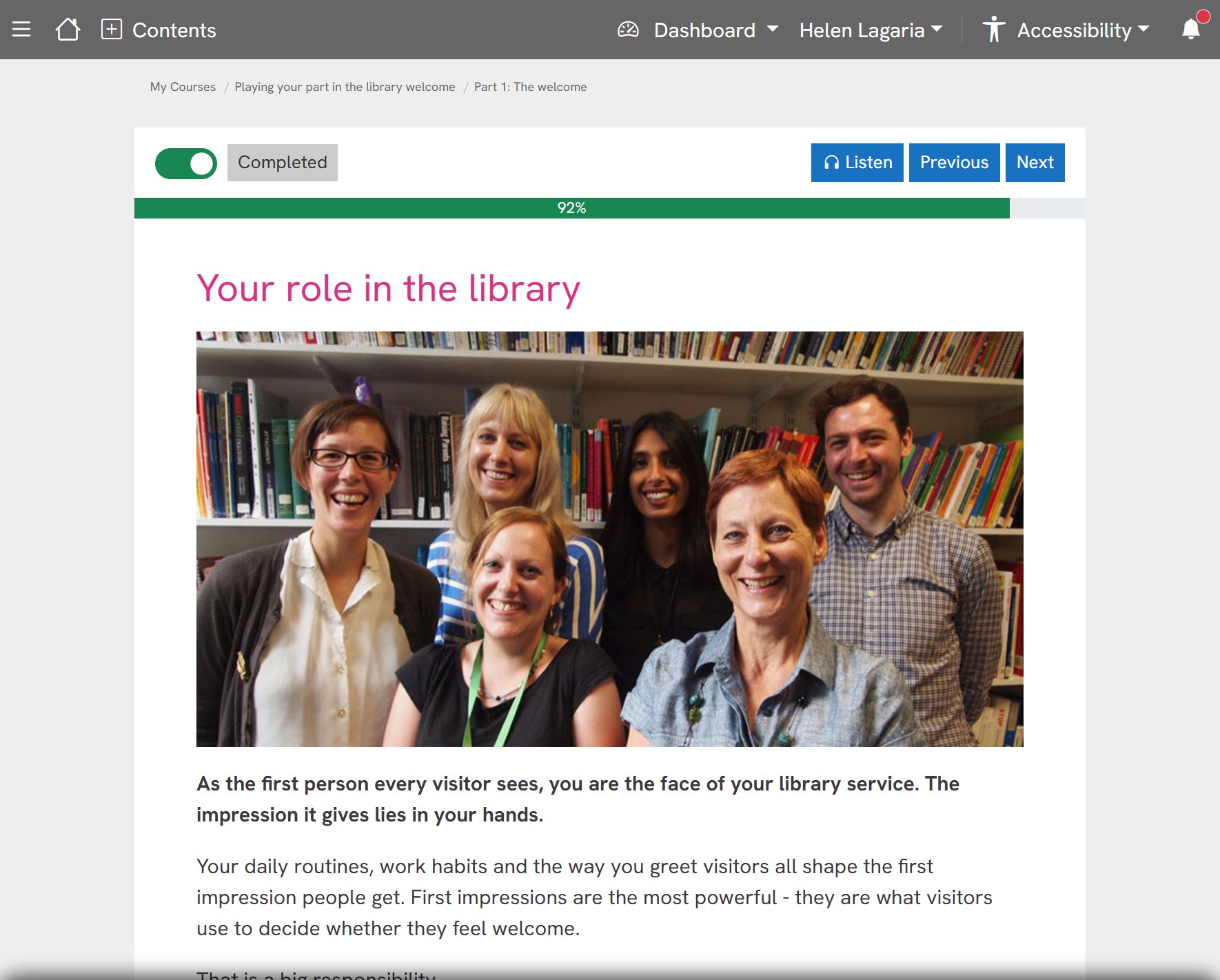
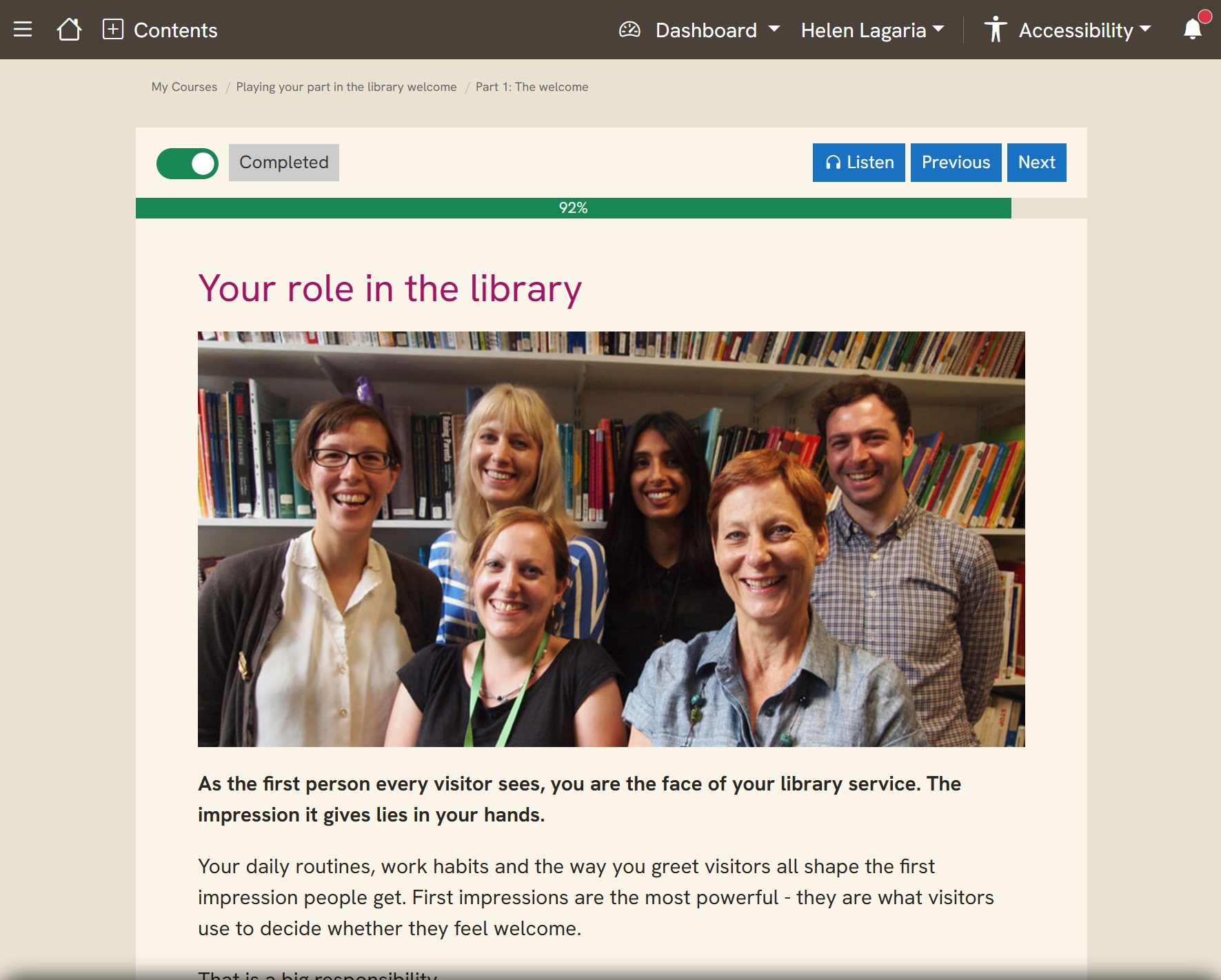
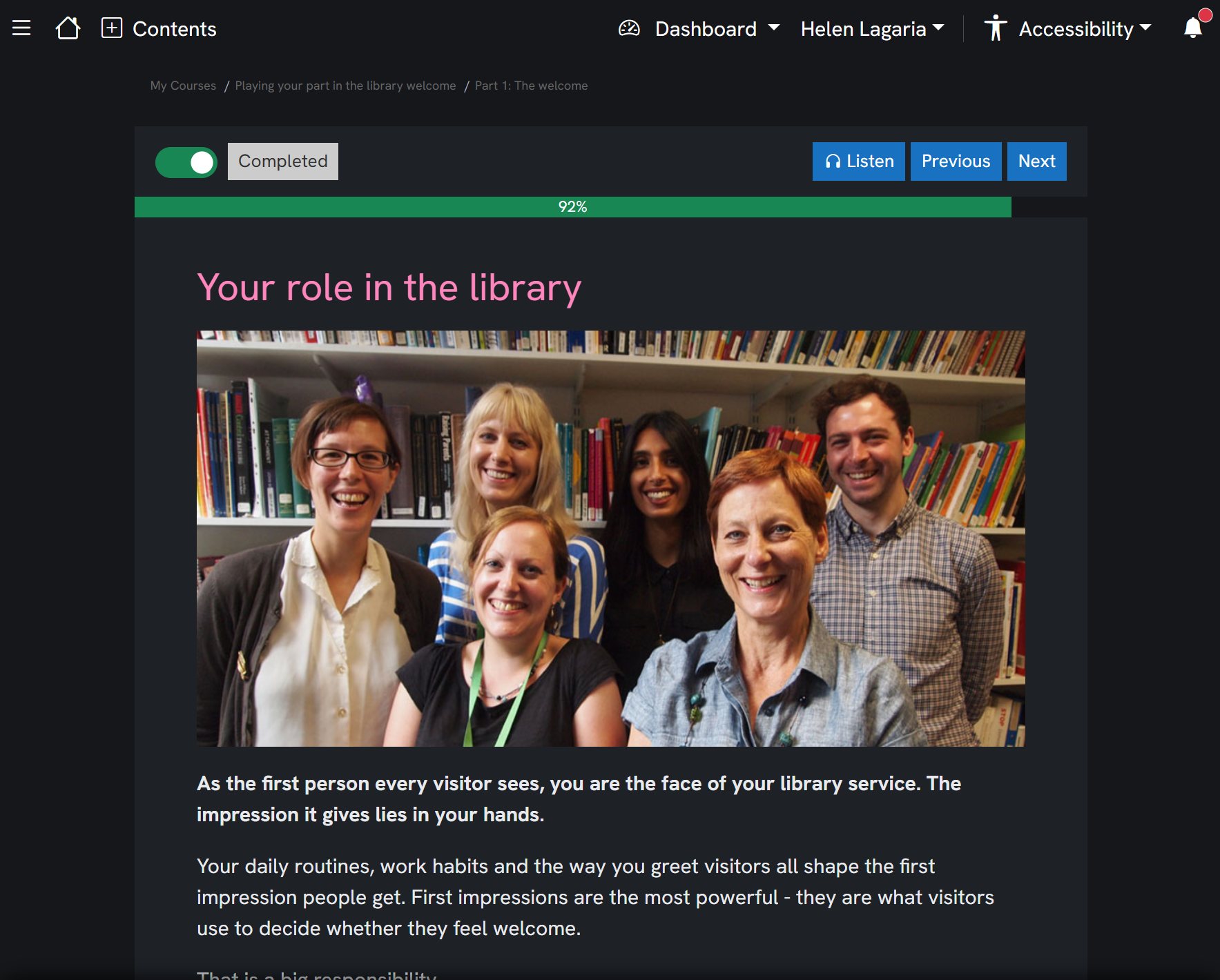
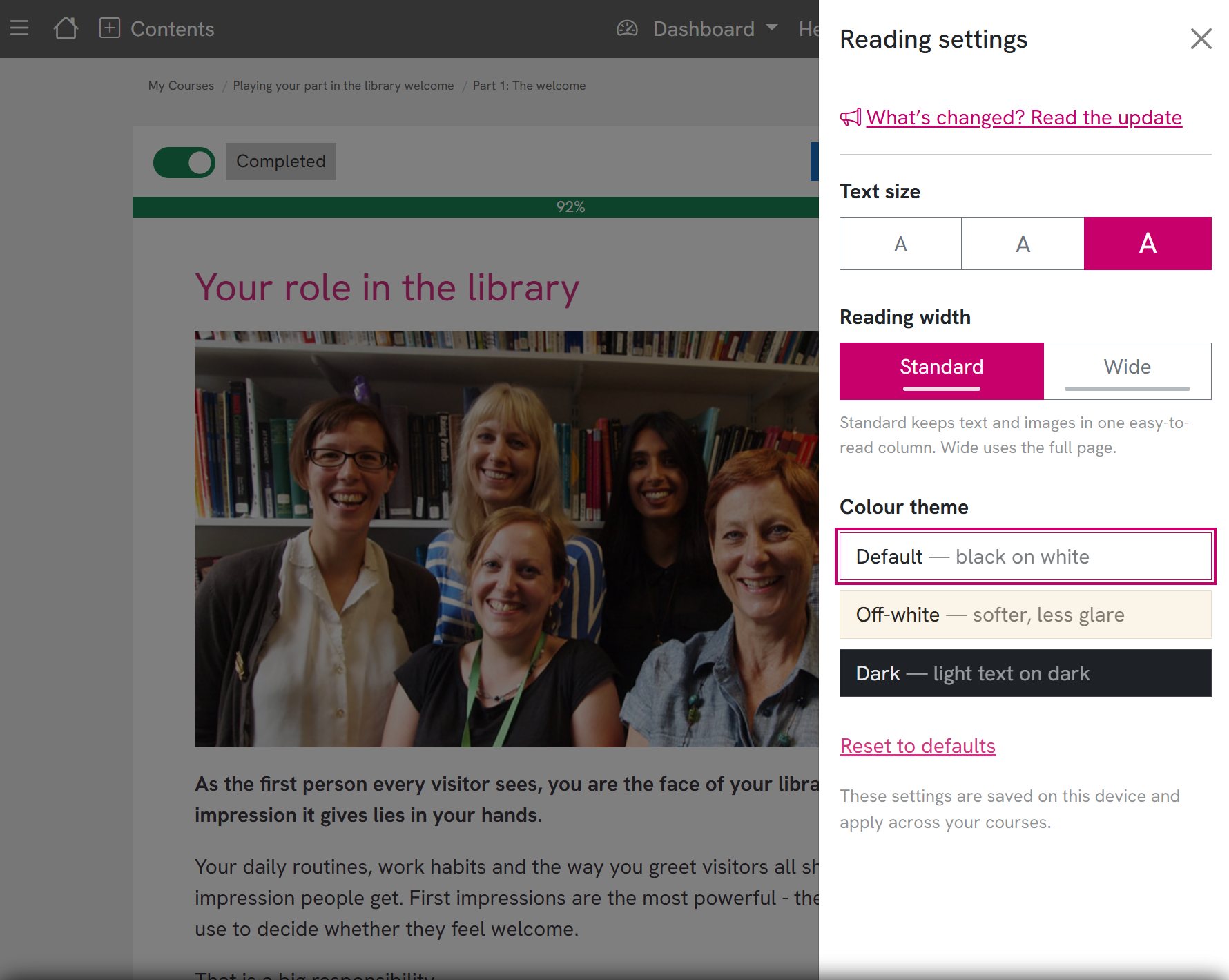
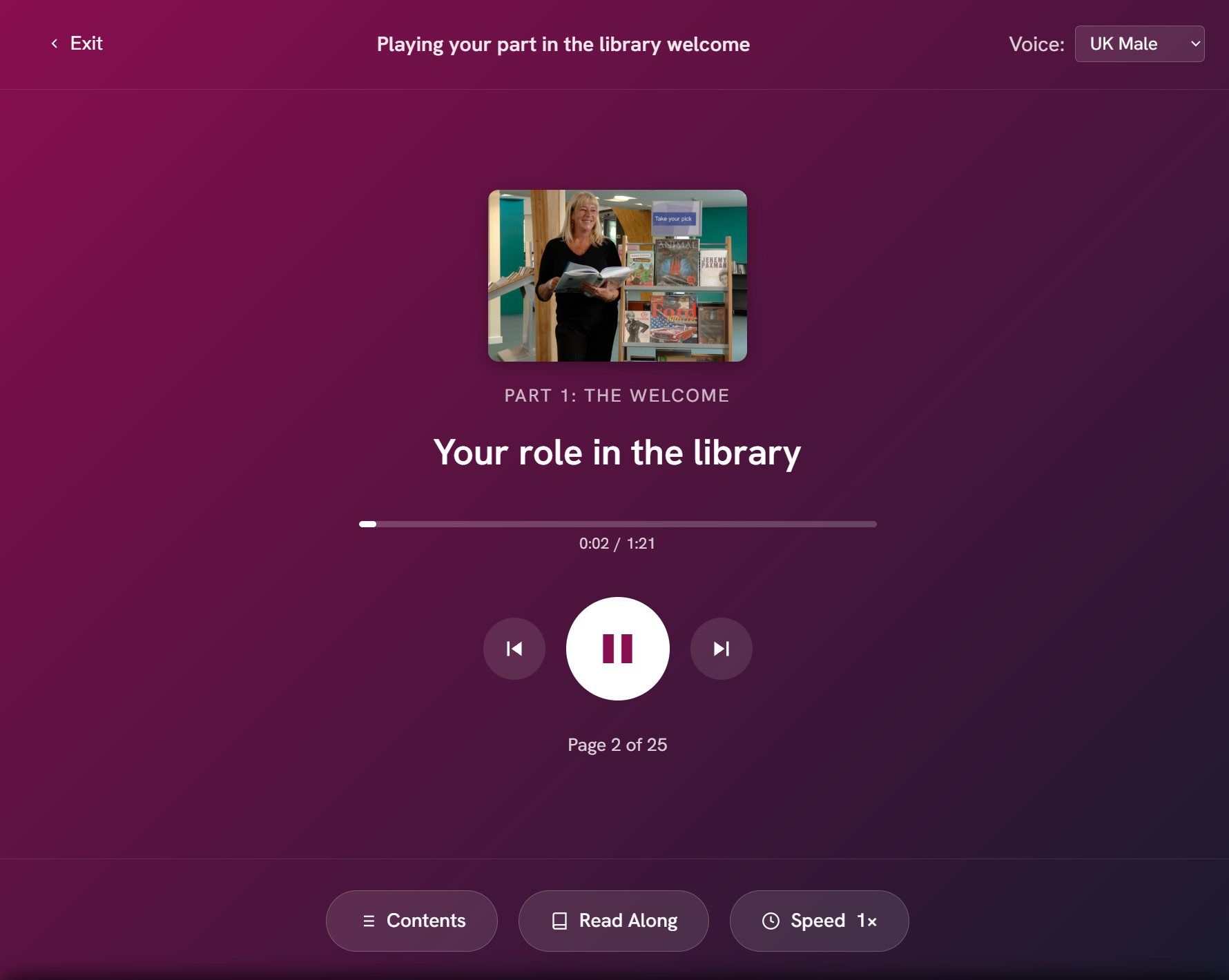
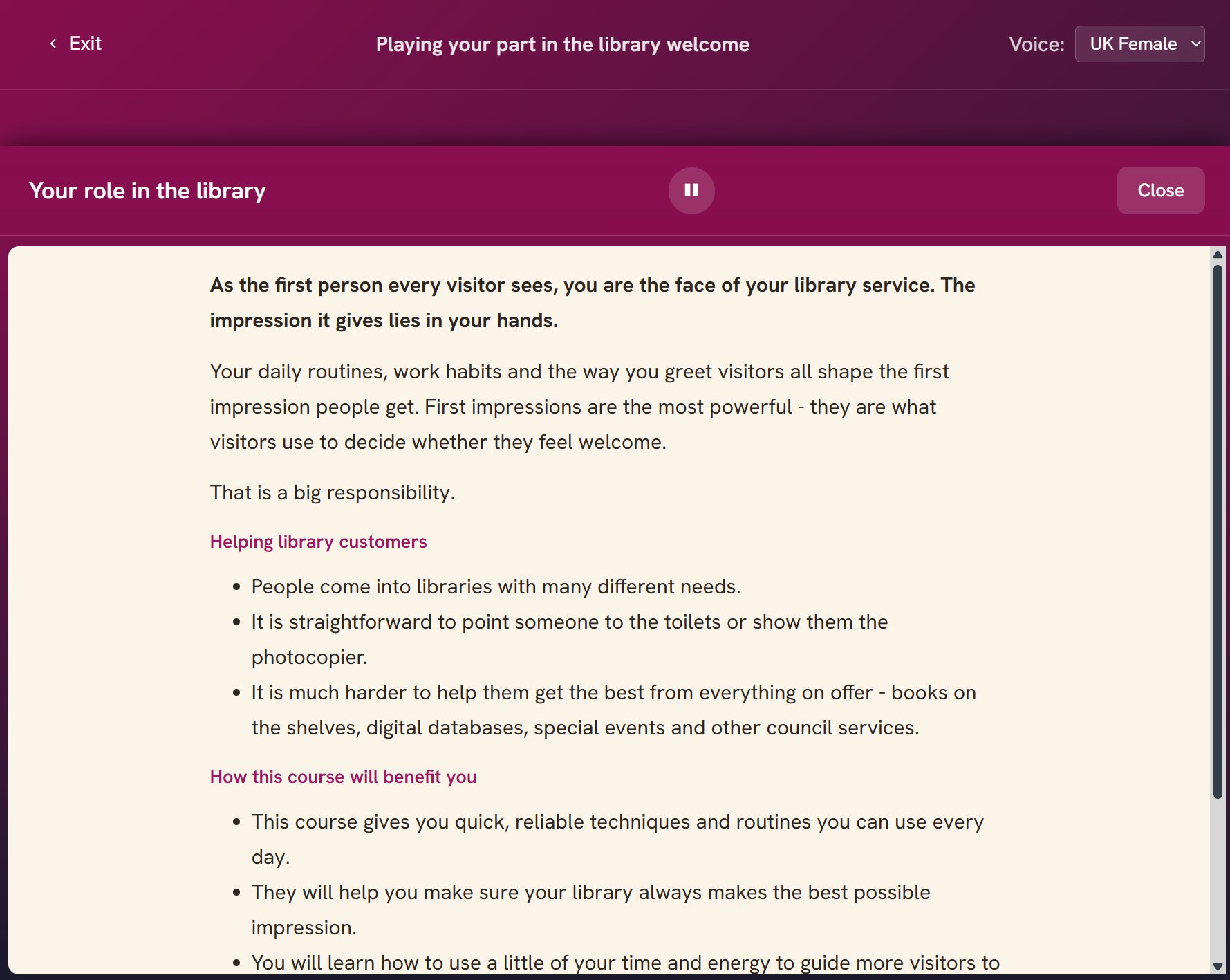
Access your course on multiple devices - an iPad, tablet or a desktop computer, anywhere you can access the internet. When you log in you will always be returned to the last page you were on.
We don’t recommend a phone - the book covers and illustrations are too small to enjoy.
All courses have been updated for readability - shorter text blocks, shorter sentences, clear structure with sub-headers and bulleted lists, and summaries of what you’ve covered.
This increases accessibility for a range of neurodivergent and dyslexic learners while improving the learning experience for everyone.
Browse the courses and find the right starting point for you or your team.
Browse all coursesWe use Google Analytics to understand how this site is used.